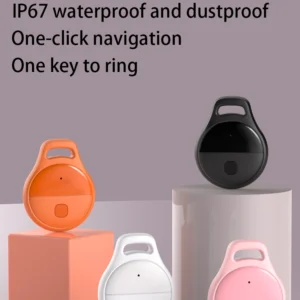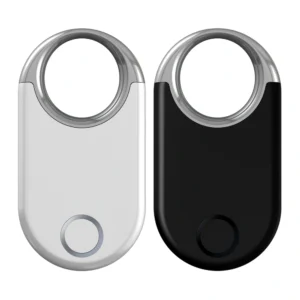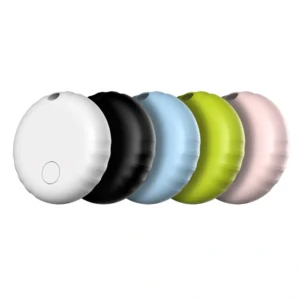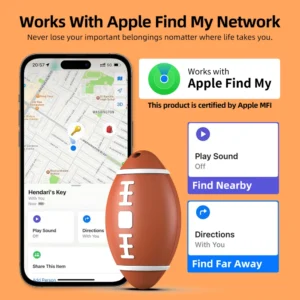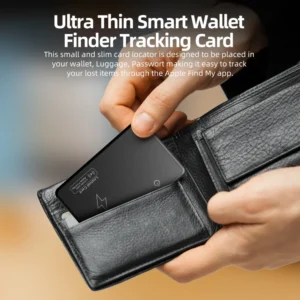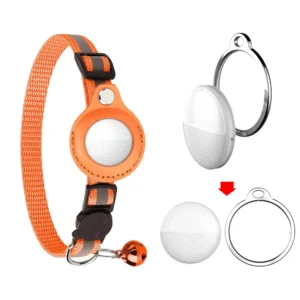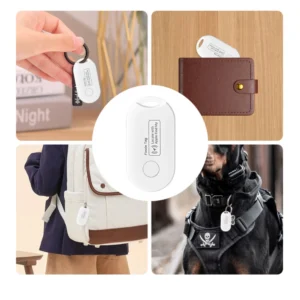
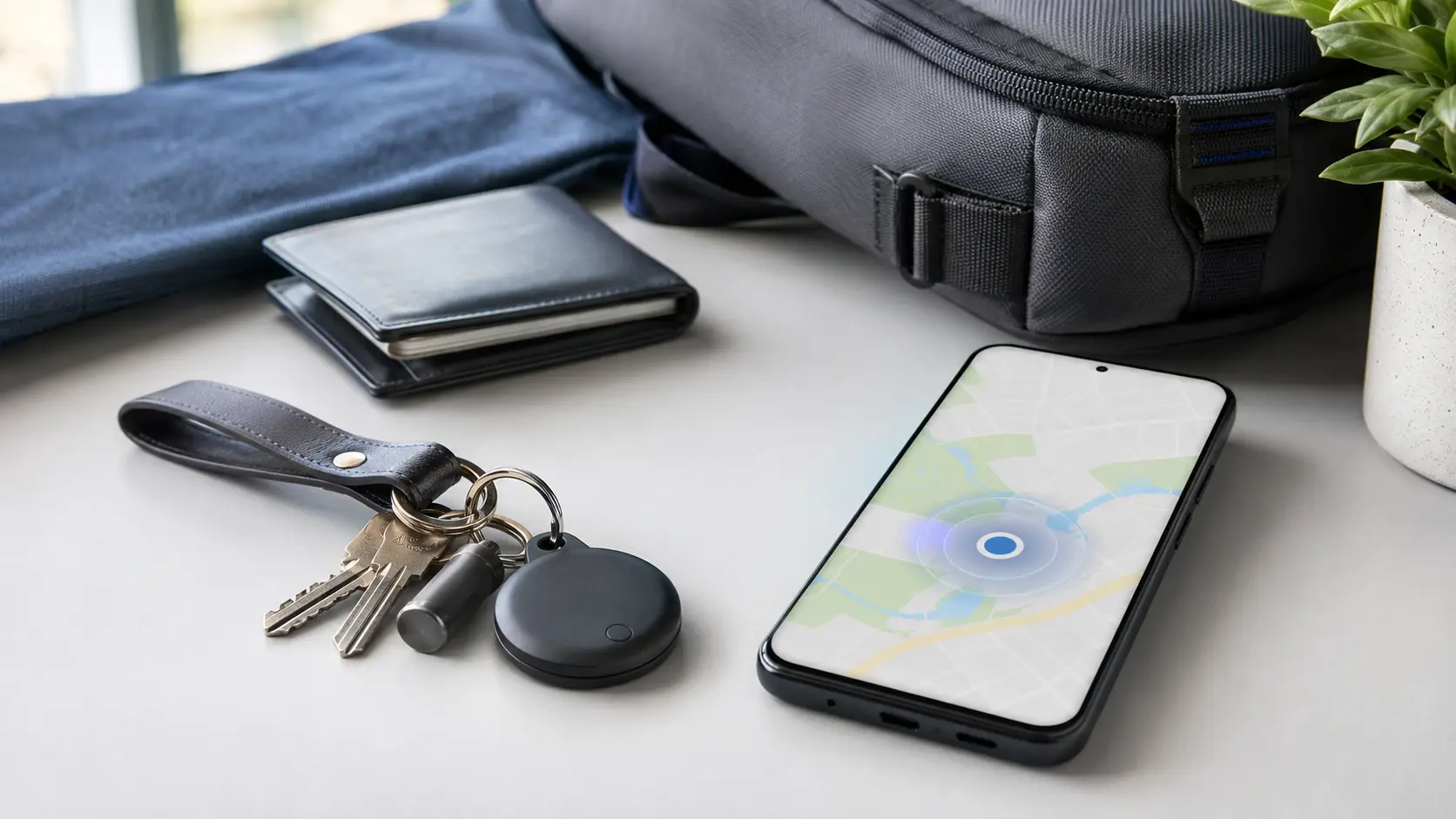
People often search for a “Google Find Tag” when they want an Android-friendly alternative to an AirTag. The more accurate term is a Google Find Hub-compatible tracker tag: a small Bluetooth device that can be attached to keys, luggage, a wallet, a backpack or another personal item and located through Google’s Find Hub app and network.
Google does not make every tag in this category. Instead, compatible products are developed by approved accessory brands and must meet Google’s technical, certification and marketing requirements. That distinction matters for consumers choosing a tracker and for businesses sourcing private-label or OEM smart tags.
What is a Google Find Hub tag?
A Google Find Hub tag is a compact Bluetooth Low Energy tracker designed to work with the Find Hub network. After the tag is paired with an Android phone and linked to the owner’s Google Account, it can appear in the Find Hub app alongside compatible phones, tablets, earbuds and other accessories.
These tags are commonly available in several forms:
- Round or square keyring tags for keys and bags
- Slim card-style trackers for wallets and passport holders
- Rugged tags for luggage, bicycles or outdoor equipment
- Embedded tracker modules designed for integration into other products
The label “Works with Google’s Find Hub” is more meaningful than vague phrases such as “Android compatible.” A generic Bluetooth finder may work only within the range of its own app, while an approved Find Hub accessory can use Google’s wider crowdsourced network when the owner’s settings and local network conditions allow it.
How does the Find Hub network locate a tag?
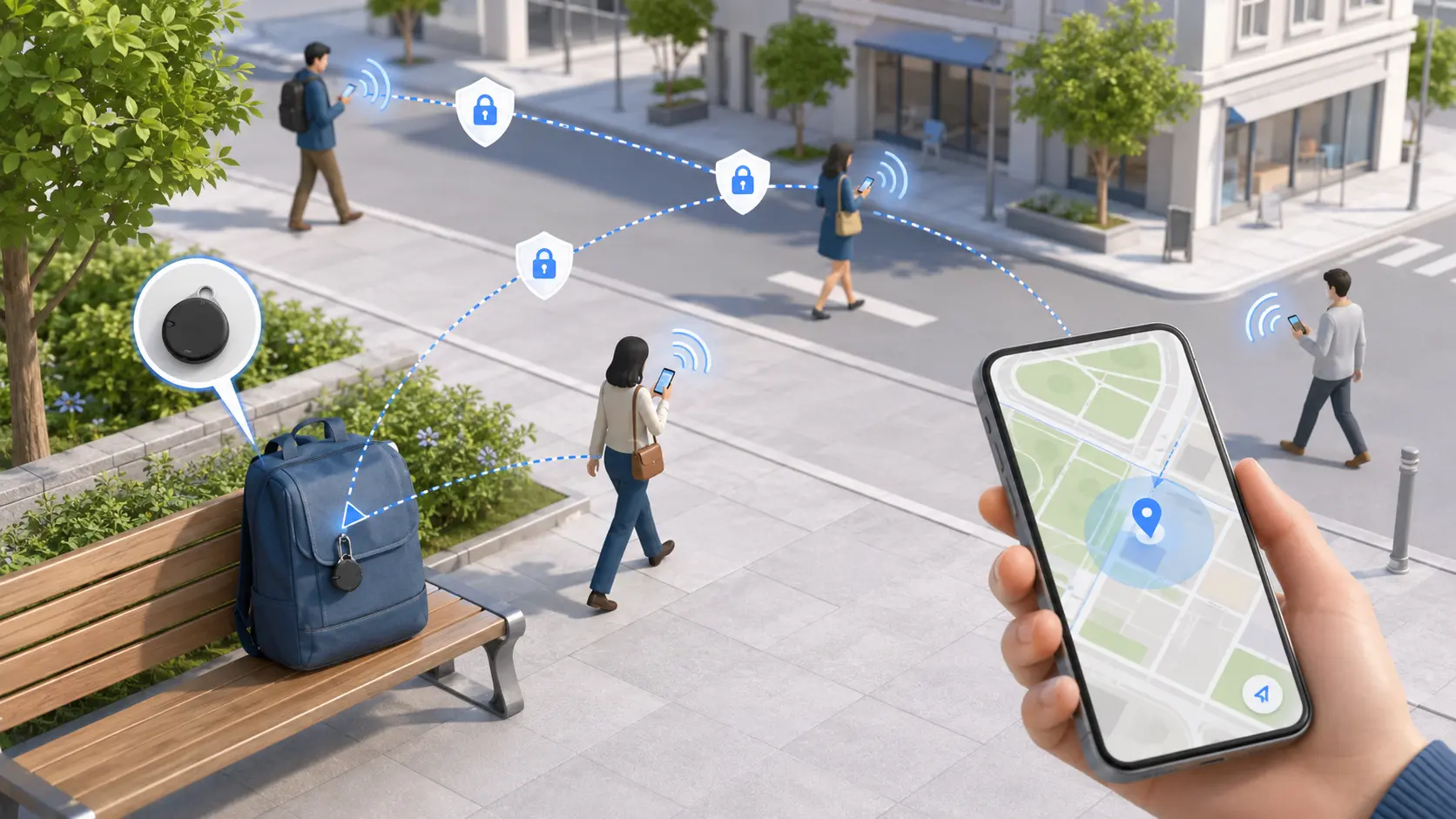
The system combines a short-range Bluetooth connection with a crowdsourced finding network. The process can be understood in four steps.
1. The tag broadcasts a changing Bluetooth signal
The tracker periodically sends a Bluetooth Low Energy signal. BLE is designed for low power consumption, which helps a small tag operate for months or longer depending on the battery, firmware and usage pattern.
2. A nearby Android device detects it
If the tag is outside the owner’s direct Bluetooth range, a participating Android device nearby may detect its signal. The person carrying that Android device does not need to know the tag owner and does not see the owner’s identity.
3. An encrypted location report reaches the network
The detecting device securely reports where it encountered the tag. Google states that Find Hub uses end-to-end encrypted location information and that the location of an item is visible to its owner and people with whom the owner has shared it—not to the person whose phone detected it. Google explains these protections in its official guide to how Find Hub protects location data.
4. The owner checks the last detected location
The owner can open Find Hub to see where and approximately when the tag was last detected. When close enough, the user may be able to play a sound or use a nearby-finding interface. Exact features depend on the tag, phone and supported hardware.
Bluetooth finding versus UWB precision finding
Bluetooth and Ultra-Wideband are related but different parts of the experience.
- Bluetooth Low Energy: used for pairing, nearby communication, sound commands and network detection. It is the essential radio technology for most tracker tags.
- UWB: can add more precise distance and directional guidance at close range. Precision finding requires both the tracker and the phone to support UWB, and the feature must be enabled.
A UWB label alone does not guarantee the same experience on every Android phone. Buyers should verify the supported phone models, regional availability, firmware implementation and certification status instead of relying on a chipset specification by itself.
How do you pair and use a compatible tracker?
For an approved Fast Pair tracker, setup is designed to be simple:
- Turn on the tracker or remove its battery tab.
- Place it near a compatible Android phone with Bluetooth enabled.
- Tap the Fast Pair notification and follow the on-screen instructions.
- Confirm that the tag appears in Find Hub.
- Name the item and test the ring function before attaching it to something valuable.
Google’s Android Help notes that Bluetooth tracker tags are automatically added to Find Hub after pairing is complete. Users should also set a PIN, pattern or password on their Android device to obtain the best encrypted offline-finding experience. See Google’s instructions on preparing devices and accessories for Find Hub.
Privacy and unwanted-tracking protection
A tracker should help recover personal belongings, not secretly monitor people. Google’s network includes unknown-tracker alerts that can notify an Android user when a tag that is not theirs appears to be moving with them. The user may be able to view where it was detected, make it play a sound and follow manufacturer-specific instructions to identify or disable it.
For responsible use, tracker owners should follow three rules:
- Attach tags only to belongings you own or are authorized to manage.
- Do not use a consumer tag to secretly track a person.
- Do not rely on a tag as a real-time anti-theft or emergency safety device.
Google specifically positions tags for finding belongings such as keys, luggage, wallets and bikes, and publishes separate guidance for finding unknown trackers.
What should buyers compare before choosing a tag?
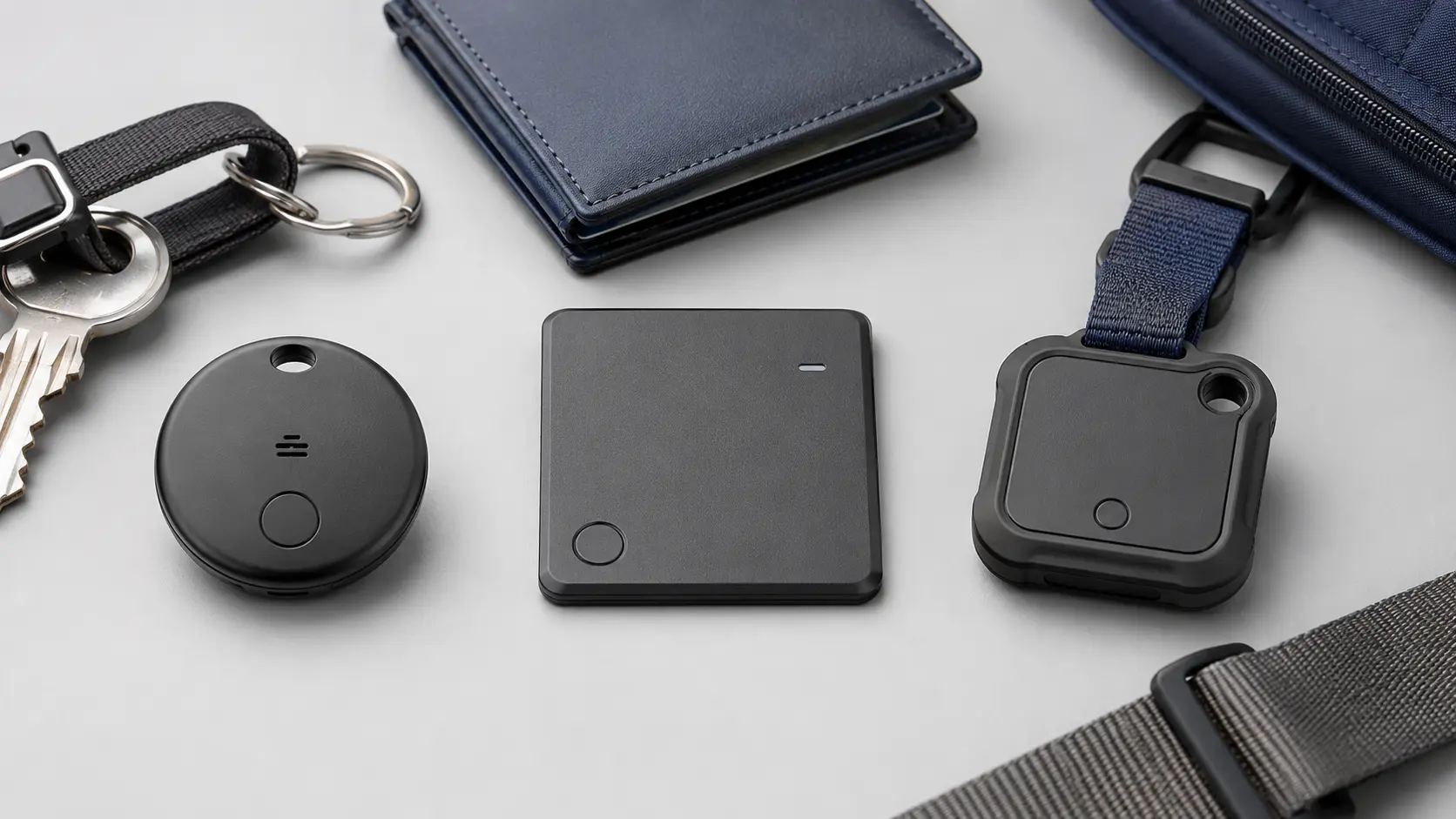
Two trackers can connect to the same network yet deliver very different product experiences. Consumers and sourcing teams should evaluate the complete product rather than only the network badge.
- Verified network compatibility: confirm approval for Google’s current Find Hub requirements and applicable Fast Pair processes.
- Battery design: compare replaceable coin cells, rechargeable batteries and sealed designs, including real-world standby targets and low-battery alerts.
- Speaker performance: a clear, adequately loud ring can matter more than a theoretical range when the item is hidden under furniture or inside a bag.
- Water and dust resistance: choose an enclosure appropriate for keys, luggage, bicycles or outdoor use.
- Form factor: check thickness, attachment point, card dimensions and mechanical durability.
- UWB support: verify both tracker implementation and compatible Android phone models if precision finding is required.
- Firmware and OTA strategy: reliable products need a plan for compatibility fixes and security updates after shipment.
- Compliance: confirm radio, battery, transport and market-specific documentation for the countries where the product will be sold.
What should brands ask an OEM or ODM supplier?
Private-label projects require more than a custom logo and package. Google’s official Find Hub partner integration guide states that a device proposal, technical integration, certification and approval are part of the process. Google also reviews marketing assets that use the “Works with Google’s Find Hub” badge or mention Find Hub.
Before placing an order, ask the supplier:
- Is this exact hardware and firmware combination approved, or is approval still in progress?
- Who owns and maintains the firmware?
- Which chipset and system integrator are involved?
- What tests cover battery life, acoustic output, RF performance and enclosure durability?
- Which certifications and battery transport documents are included?
- Are marketing claims and packaging artwork subject to Google approval?
- What are the MOQ, lead time, tooling and customization limits?
Never treat a sample that merely pairs over Bluetooth as proof of Find Hub certification. Ask for documentation that applies to the exact model you intend to purchase.
Frequently asked questions
Does Google make a Google Find Tag?
“Google Find Tag” is commonly used as a search phrase, but compatible tracker tags are generally made by accessory manufacturers and work with Google’s Find Hub network after meeting the relevant requirements.
Can a Find Hub tag work without GPS?
Yes. Most small tags do not contain their own GPS receiver or cellular connection. They broadcast a BLE signal, and nearby participating Android devices can contribute encrypted detection locations to the network.
Does it provide continuous real-time tracking?
No. Update timing depends on nearby participating devices, connectivity, network settings and other conditions. A consumer item tag is not the same as a cellular GPS tracker.
Can family members share a tag?
Google supports sharing compatible accessories and tracker tags with trusted people. Current Android Help documentation says a tag can be shared with up to 10 loved ones, subject to supported Android versions and the confirmation flow.
Final takeaway
A Google Find Hub-compatible tag extends a small Bluetooth tracker beyond direct phone range by using a privacy-focused crowdsourced Android network. The best product is not simply the smallest or cheapest tag: it combines verified compatibility, dependable firmware, practical acoustics, suitable battery life, durable industrial design and responsible anti-tracking protections.
For brands evaluating an Android smart tag project, begin with the intended use case and target markets, then confirm certification status and product-level test evidence before discussing colors, packaging or order volume.